
Introduction
Creating a new online sports and gaming account can feel confusing when you are unfamiliar with the process. For beginners, Winbuzz provides a structured registration system that asks users to enter their basic details, create secure credentials and complete verification before accessing available account features. Understanding each stage in advance can help users avoid common signup errors and protect their personal information.
What Do You Need Before Registration?
Before starting, prepare the information that may be required during account creation. According to the platform, users may need to provide personal and contact details and complete identity verification.
Useful details to keep ready include:
- Your full name
- Active mobile number
- Valid email address
- Correct date of birth
- A strong password
- Identity documents if verification is requested
Make sure the information entered matches your valid documents, especially if identity checks are required later.
Step 1: Open the Official Website
Begin by opening the official website in your browser. Check the web address carefully before entering personal information.
The homepage currently includes Sign Up and Register options that direct new users toward the account-creation process.
Avoid using unknown links received through random messages or unofficial websites.
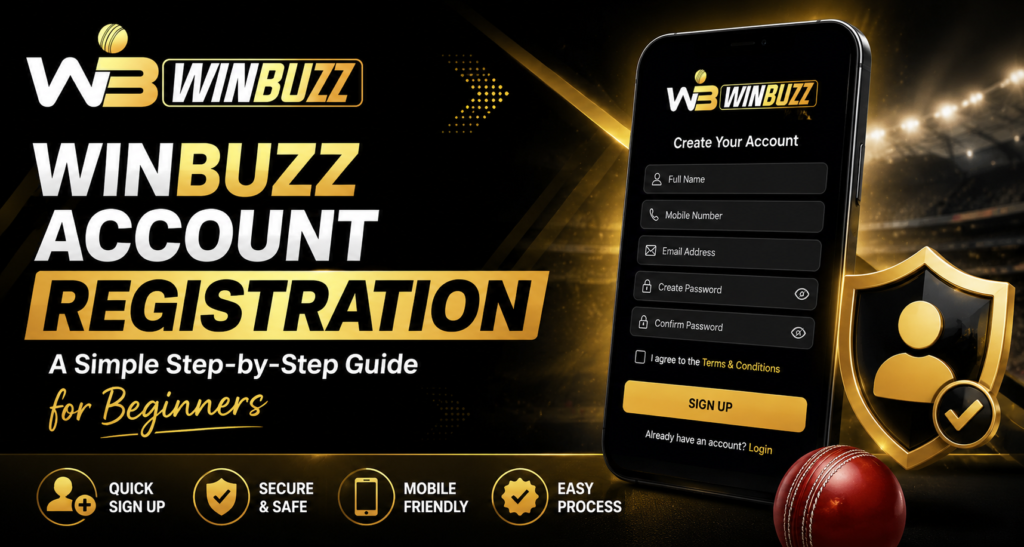
Step 2: Enter Your Registration Details
Select the registration option and enter the requested information carefully.
The platform states that account creation may require details such as:
- Full name
- Email address
- Mobile number
- Date of birth
Review everything before submitting the form. Incorrect information can create problems during verification or account recovery.
Step 3: Create a Secure Password
Choose a password that is difficult for other people to guess.
A stronger password should combine letters, numbers and special characters. Avoid using your name, birthday, phone number or other easily identifiable information.
Never share your password with another person, including anyone claiming they need it to provide support.
Step 4: Complete OTP Verification
After submitting your registration details, an OTP may be sent to the mobile number or email address connected to the account.
Enter the correct OTP within the allowed period. This verification step helps confirm that you control the contact information provided during registration.
Step 5: Complete KYC If Required
Identity verification may be required for account security and certain financial activities. The platform indicates that documents such as Aadhaar, PAN or a passport may be requested as part of KYC checks.
Users should only submit documents through official account channels.
How Does Winbuzz login Work After Registration?
Once the account has been created, Winbuzz login requires the registered username and password. Additional verification may also be requested depending on account activity.
After signing in, users can access available sections from the main dashboard.
To keep your account safer:
- Do not save passwords on shared devices.
- Log out after using a public computer.
- Never share OTP codes.
- Review account activity regularly.
- Contact official support if you notice unusual access.
What Can Users Explore After Registration?
Registered users may find sports categories, account tools, payment sections and live match-related features through the dashboard. The website currently lists cricket, football, tennis, basketball and kabaddi among its supported sports categories.
Winbuzz live features also focus on ongoing match information and changing in-play markets. Users should remember that live information and market availability can change during an event.
Common Registration Mistakes to Avoid
Beginners can reduce account problems by avoiding a few simple mistakes:
- Entering an incorrect phone number
- Using an inaccessible email address
- Creating a weak password
- Sharing OTP information
- Submitting incorrect identity details
- Using unofficial registration links
Checking every detail before submitting the form is usually easier than correcting information later.
Conclusion
Account registration becomes much simpler when users understand the process before beginning. Start with the correct website, enter accurate details, create a secure password and complete any required verification.
After registration, Winbuzz login gives users access to their account dashboard, while Winbuzz live features can provide ongoing sports and match-related information. Always check local laws, platform terms and eligibility requirements before using any real-money gaming feature.
FAQs
Is registration difficult for beginners?
No. The registration process is presented as a series of straightforward steps involving personal details, password creation and verification.
Is OTP verification required?
The platform states that users may receive an OTP through their registered mobile number or email during account setup.
Is KYC required for every user?
Verification may be required for identity confirmation, account security or withdrawals. Requirements can vary, so users should follow the instructions shown in their account.
Can I register using a mobile phone?
Yes. The website states that its platform is designed for mobile, tablet and desktop access.
What should I do if registration fails?
Check your contact information, password format and verification details. If the issue continues, use the official support options provided on the website.