
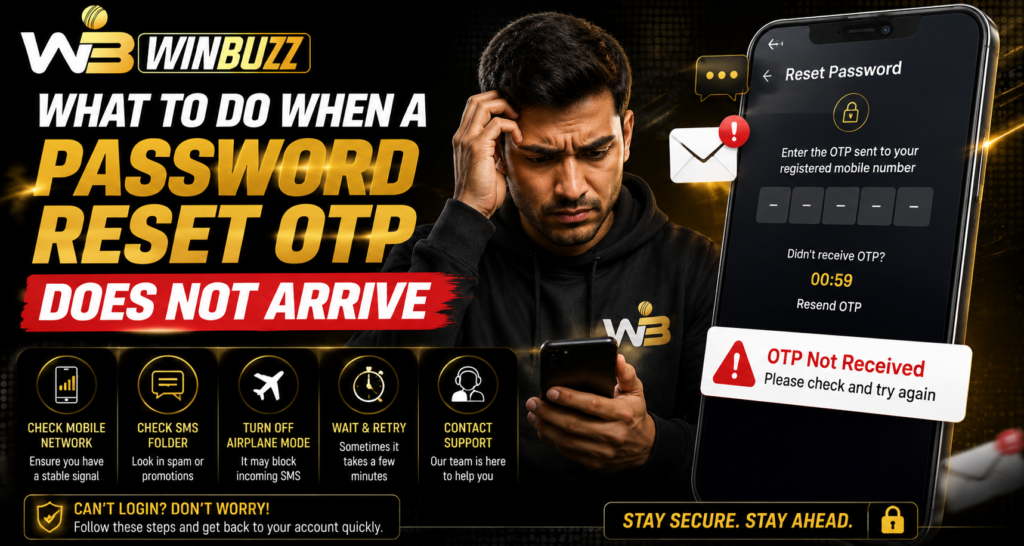
Introduction
Password reset systems are designed to help users regain access to their accounts securely. However, sometimes an OTP may not arrive immediately due to network delays, incorrect contact details, technical issues, or message filtering. For Winbuzz users facing account access difficulties, understanding the common reasons behind delayed OTP delivery can help solve the issue without repeated attempts.
Why Does a Password Reset OTP Get Delayed?
An OTP (One-Time Password) is usually sent to verify account ownership before allowing a password change. If the code does not arrive, the problem may not always be related to the account itself.
Common reasons include:
- Poor mobile network connection
- Incorrect registered number or email
- Delayed SMS delivery
- Full message inbox
- Email filtering
- Multiple OTP requests
- Temporary service issues
Checking these areas first can often resolve the problem quickly.
1. Check Your Network Connection
A weak mobile signal can delay SMS delivery.
Before requesting another OTP:
- Check your phone signal
- Switch between Wi-Fi and mobile data
- Move to an area with better network coverage
- Restart your device if needed
Sometimes the message arrives after the network connection becomes stable.
2. Confirm Your Registered Contact Details
OTP delivery depends on the information linked to your account.
Check whether:
- The mobile number is correct
- The email address is accurate
- The registered SIM is active
- You still have access to the account recovery method
An incorrect or outdated contact detail can prevent the OTP from reaching you.
3. Check Spam or Junk Folders
If the OTP is sent through email, it may be filtered automatically.
Check:
- Spam folder
- Promotions folder
- Junk mail section
- Blocked sender settings
Add trusted senders to your contacts if necessary.
4. Avoid Requesting Multiple OTPs
Repeated OTP requests within a short time can create confusion.
When several codes are generated:
- Older OTPs may expire
- Only the latest code may work
- Delivery may appear delayed
Request one code and wait for the recommended time before trying again.
5. Restart Your Phone
A simple restart can refresh network connections and resolve temporary messaging problems.
After restarting:
- Wait for network registration
- Request a new OTP
- Check incoming messages again
This can fix minor device-related issues.
6. Check Message Blocking Settings
Some devices automatically block unknown or promotional messages.
Review:
- SMS blocking settings
- Message filters
- Third-party security apps
- Call and message restrictions
Make sure important verification messages are not being blocked.
7. Try Another Recovery Method
Some platforms provide multiple recovery options.
Depending on availability, users may be able to verify through:
- Registered email
- Mobile number
- Account support
- Other approved verification methods
Use only official recovery options.
8. Clear Browser Cache and Try Again
Sometimes the issue is not the OTP itself but the recovery page.
Clearing browser cache can help when:
- The reset page does not load properly
- The request button does not respond
- Old sessions interfere with the process
After clearing cache, reopen the browser and try again.
9. Use an Updated Browser
An outdated browser may create problems with account recovery pages.
Keep updated:
- Mobile browser
- Operating system
- Security software
Updated devices usually provide better compatibility and protection.
10. Contact Official Support
If the OTP still does not arrive after checking all possible causes, contact official support.
Before reaching out, prepare:
- Registered username
- Contact details linked to the account
- Error message
- Approximate time of OTP request
Never share:
- OTP codes
- Passwords
- Banking PINs
- Card security details
Support teams should not ask for sensitive verification codes.
How to Prevent Future OTP Problems
Users can reduce OTP issues by maintaining updated account information.
Helpful practices include:
- Keeping the registered phone number active
- Maintaining email access
- Updating account details when needed
- Avoiding repeated OTP requests
- Using a stable network connection
Users completing Winbuzz login should also make sure their account recovery information remains accurate.
Security Tips During Password Recovery
Password reset requests are common targets for phishing attempts.
Always:
- Use official websites
- Avoid unknown reset links
- Do not share OTPs
- Check website addresses carefully
- Ignore messages asking for account credentials
A genuine OTP is meant only for your personal verification.
Conclusion
A missing password reset OTP is usually caused by simple issues such as network delays, incorrect details, blocked messages, or repeated requests. Checking each possible cause step by step can often restore access without unnecessary delays.
Users should keep recovery information updated, protect OTP codes, and use only official support channels when facing account problems. Secure password recovery habits help maintain better control over digital accounts.
FAQs
Why am I not receiving my password reset OTP?
The delay may be caused by network problems, incorrect contact details, message filtering, or temporary service issues.
Should I request another OTP immediately?
It is better to wait briefly because multiple requests can make older OTPs invalid.
Can a full SMS inbox prevent OTP delivery?
Yes. A full message inbox or blocked messages can sometimes stop new SMS notifications.
What should I do if my OTP arrives late?
Use the latest valid OTP received and avoid using expired codes.
Is it safe to share my OTP with support?
No. OTPs are private verification codes and should never be shared with anyone.